Design supportive AI features that respects user control
Summary (TL;DR) I designed a set of assistive AI features for developers, backed with direct users research and interviews, in order to help 600+ users to stay focused, manage complexity, noise, and spend more time on meaningful, billable work for 10+ clients.
Role
Lead UX/UI Designer
Industry
Consulting Services
Company
OdeCloud
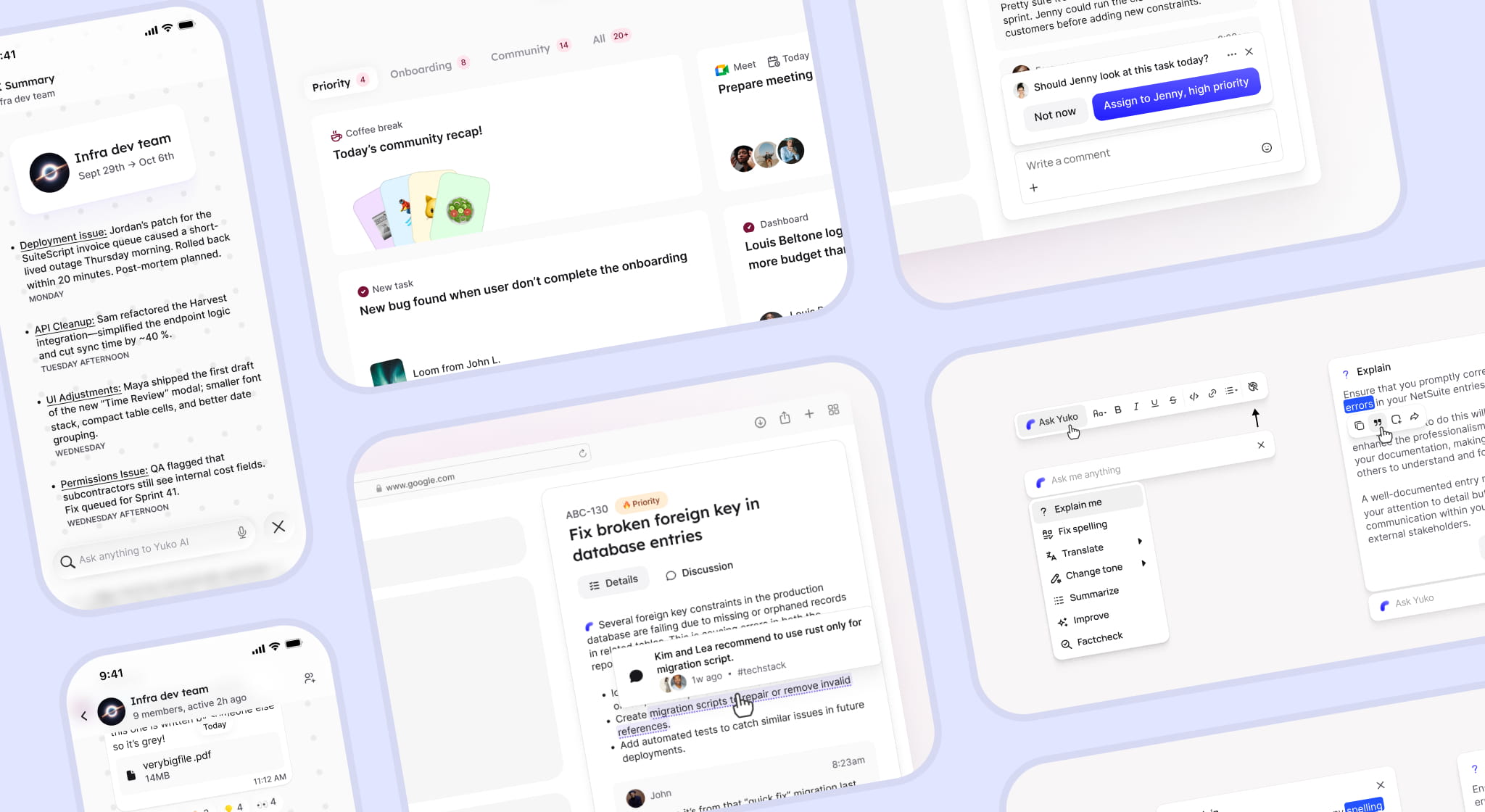
Initial challenge: Consultants loose time on fragmented work and information gathering
Consultants at OdeCloud operate across multiple time zones, making real-time alignment difficult, catching up on conversations time-consuming. Key research insights are:
Most of them juggle several projects simultaneously, increasing context switching and cognitive load.
Some are new to freelancing and lack clear signals on what's expected, and what to prioritize and when.
Reporting task updates, tracking time and priorities is high effort and time-consuming.
Goals
Provide ways to facilitate the exchange and understanding of new informations.
Reduce cognitive load of switching between project, and catching up on discussions.
Help new consultants using the company tools, managing their tasks and work.

Our userbase, developers, actively reject AI.
While it was seen as a blocker at first, it is in fact a very good indication to how and where AI could be adopted and accepted in their flow.
To decide how, I talked with them, reviewed their favorite productivity and collaboration tools through their use of AI and UX of control (Working Hours, Obsidian, Linear, Slack, Harvest, Clockify, Whatsapp, etc.), discussed further about what they expected, then tested multiple ideas with them.
Best practices for a non-invasive AI included:
AI features must be passive or triggered. Users need to feel in total control early.
Clear separation between AI and non-AI content, for transparency.
Lightweight nudges rather than enforced automation of decision-taking, for sovereignty.
Always keeping the manual switches accessible, very crucial for trust.
User Stories where AI could help
As a consultant,
I want to see what actually requires my attention,
so that I can focus on meaningful work
Emerging ideas: Receiving a brief; Highlighting urgent tasks; Sorting notifications by importance; Ask AI for priorities.
As a consultant,
I want the system to suggest helpful actions without forcing them,
so that I stay in control of my work and decisions.
Emerging ideas: Write updates for me to validate; Track my time automatically; Suggest me to send a message ; Suggest me actions to take.
As a consultant,
I want to quickly understand what was discussed since I last worked,
so that I can pick up where I left off quickly
Emerging ideas: Receiving a brief at the top of chat list; Summary of conversations in the preview; Ask AI for updates; Pinch to recap.
1. Less noise in the inbox
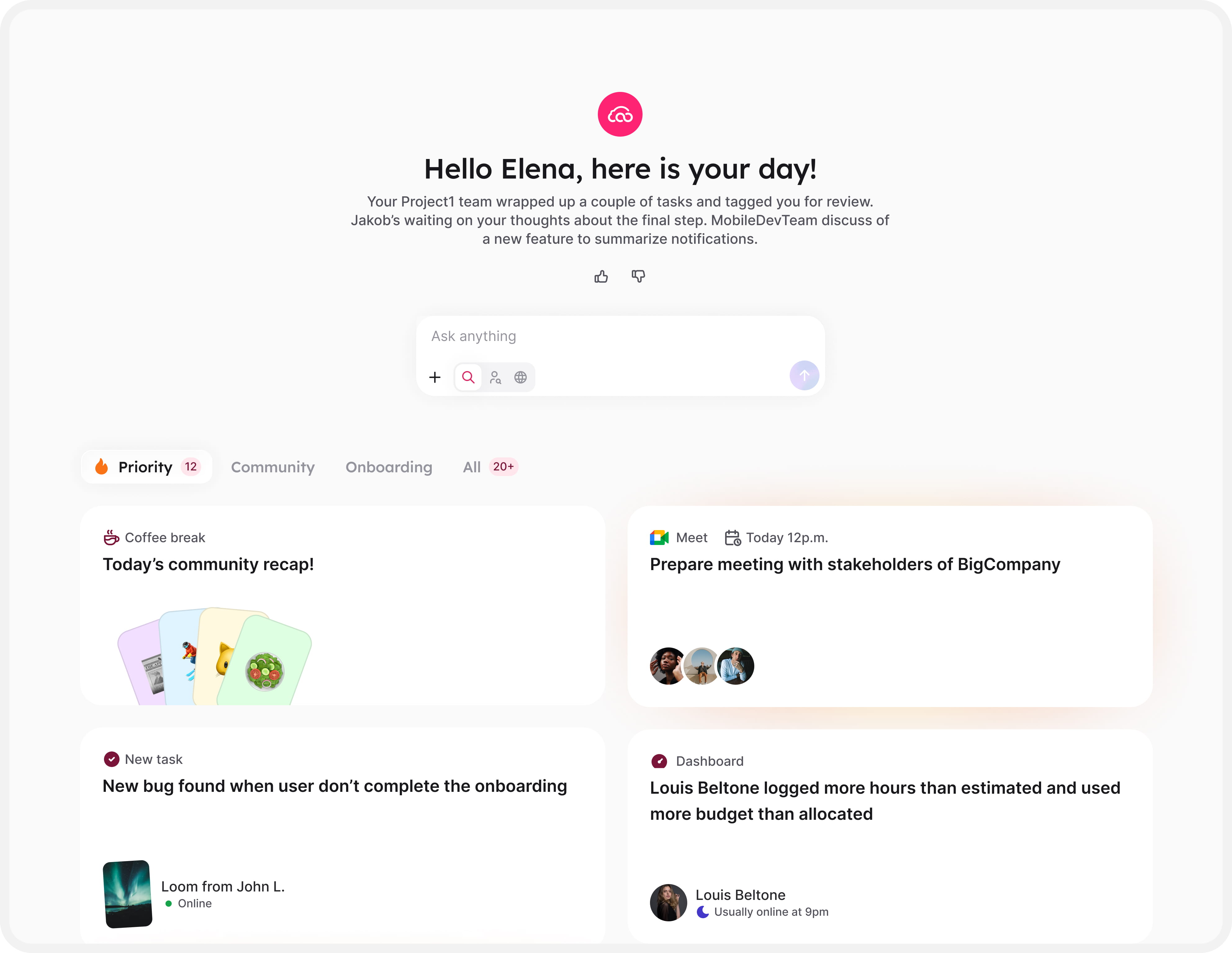
Users can immediatly start the day by being briefed about what happened since they last worked, main themes in notifications, if there is any priority.
In addition, they can ask anything to our AI for follow-up questions.
Anytime they can switch see All their notifications without any AI layers.
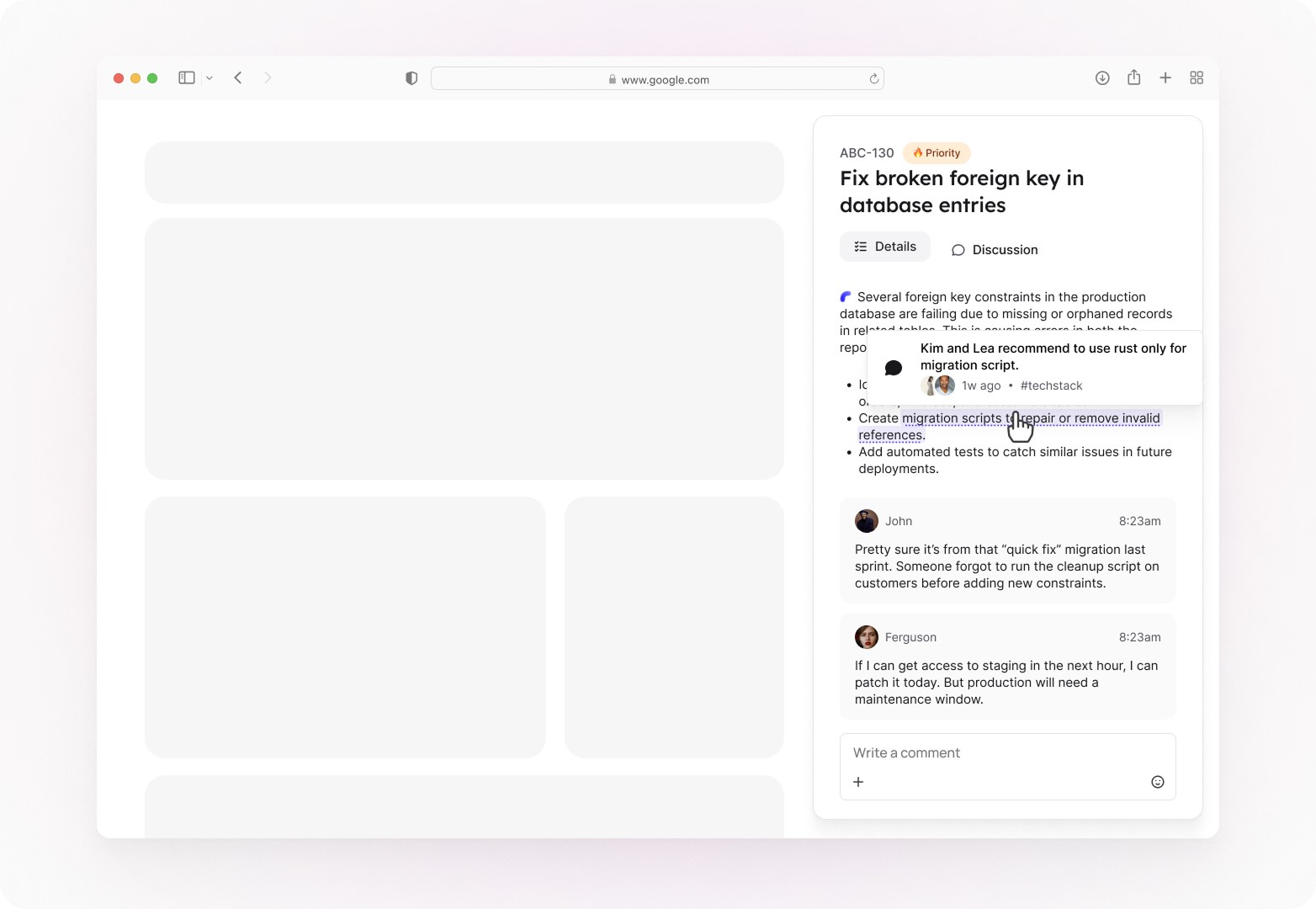
Passively, the user can also hover key informations in the tasks, where our AI, Yuko, can give more context about it. Additionally, it says where this information comes from for transparency and user control.
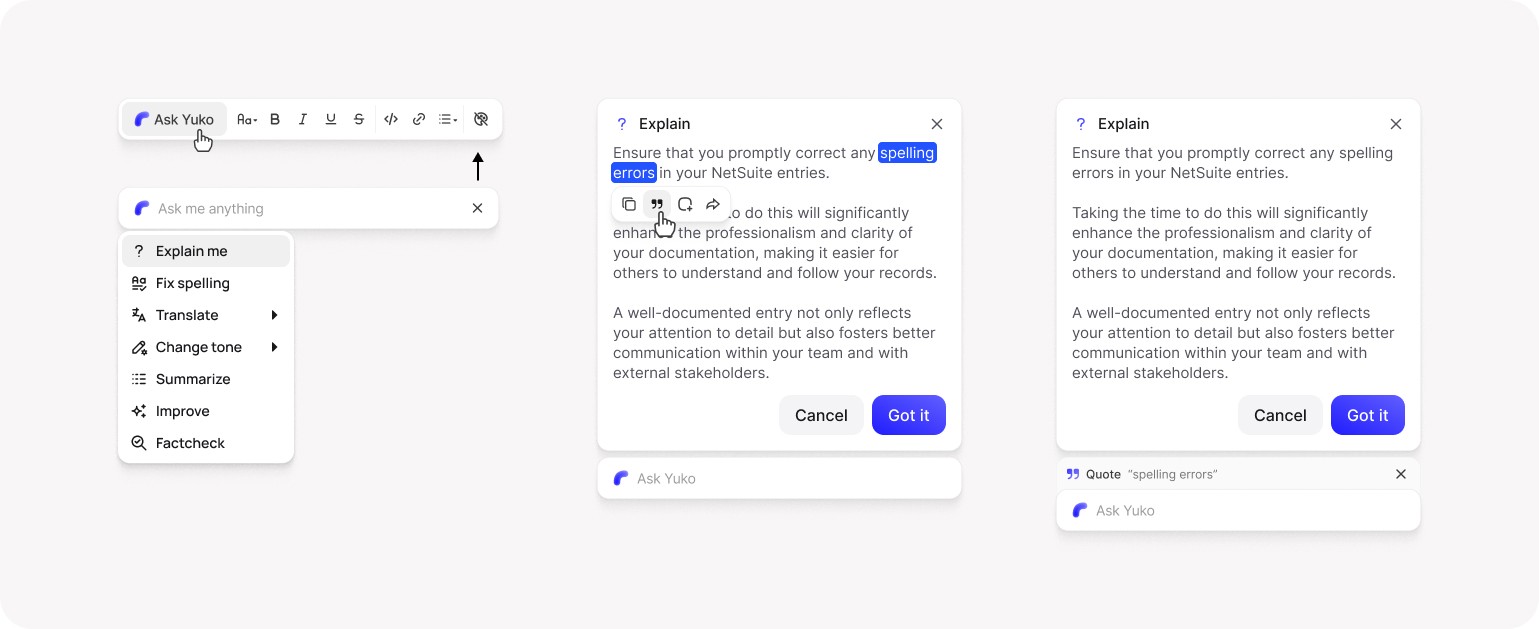
Actively, users can also highlight anything and ask for an explanation to our internal AI.
They can go further and ask follow-up questions.
2. Actionnable Chat summary
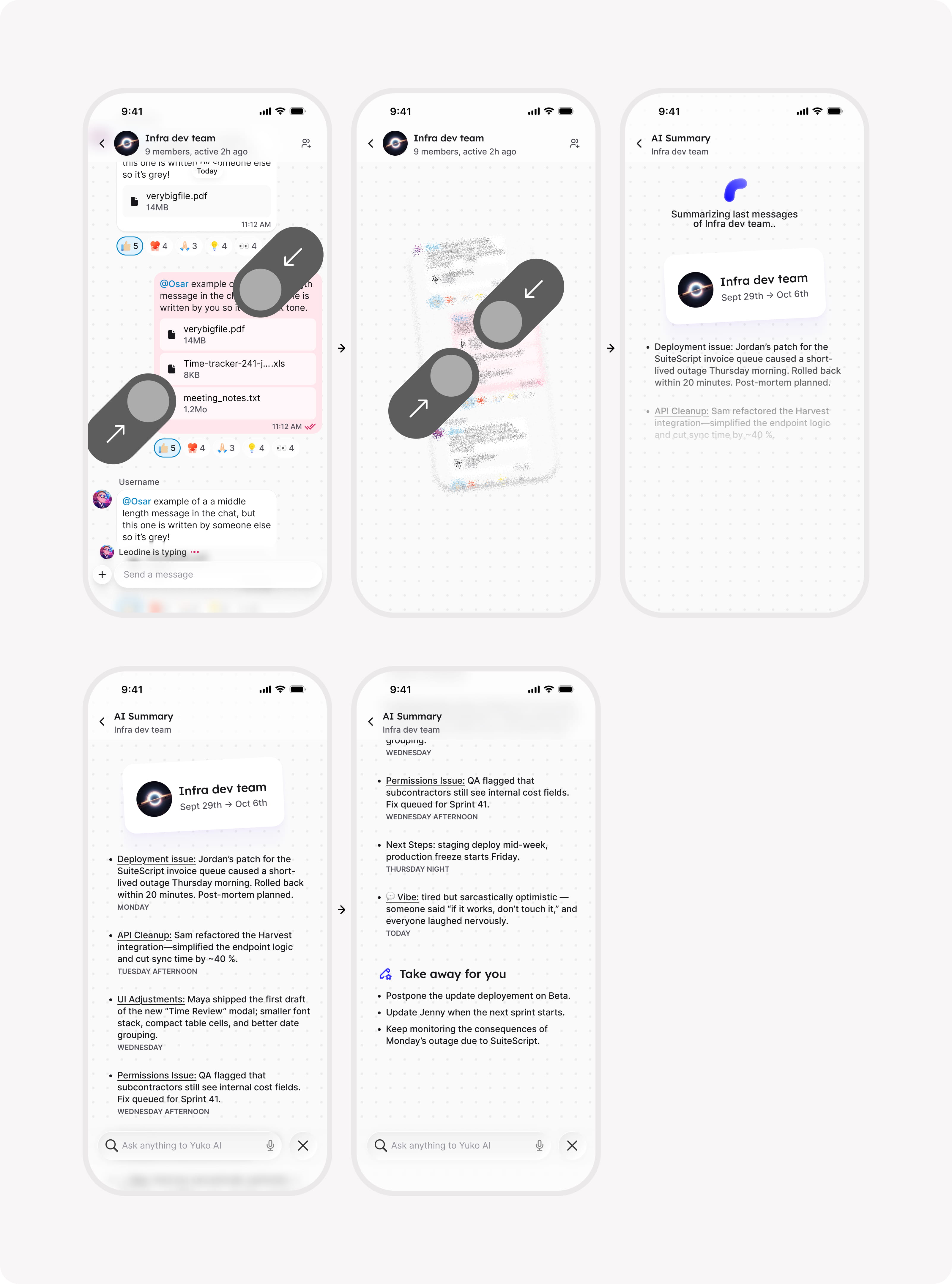
When users are in a chat on the mobile app, they can ask for a summary of the unread, or anytime pinch the screen to get a full summary of the last days, with key actions assigned to them based on what was discussed.
3. Smart nudges
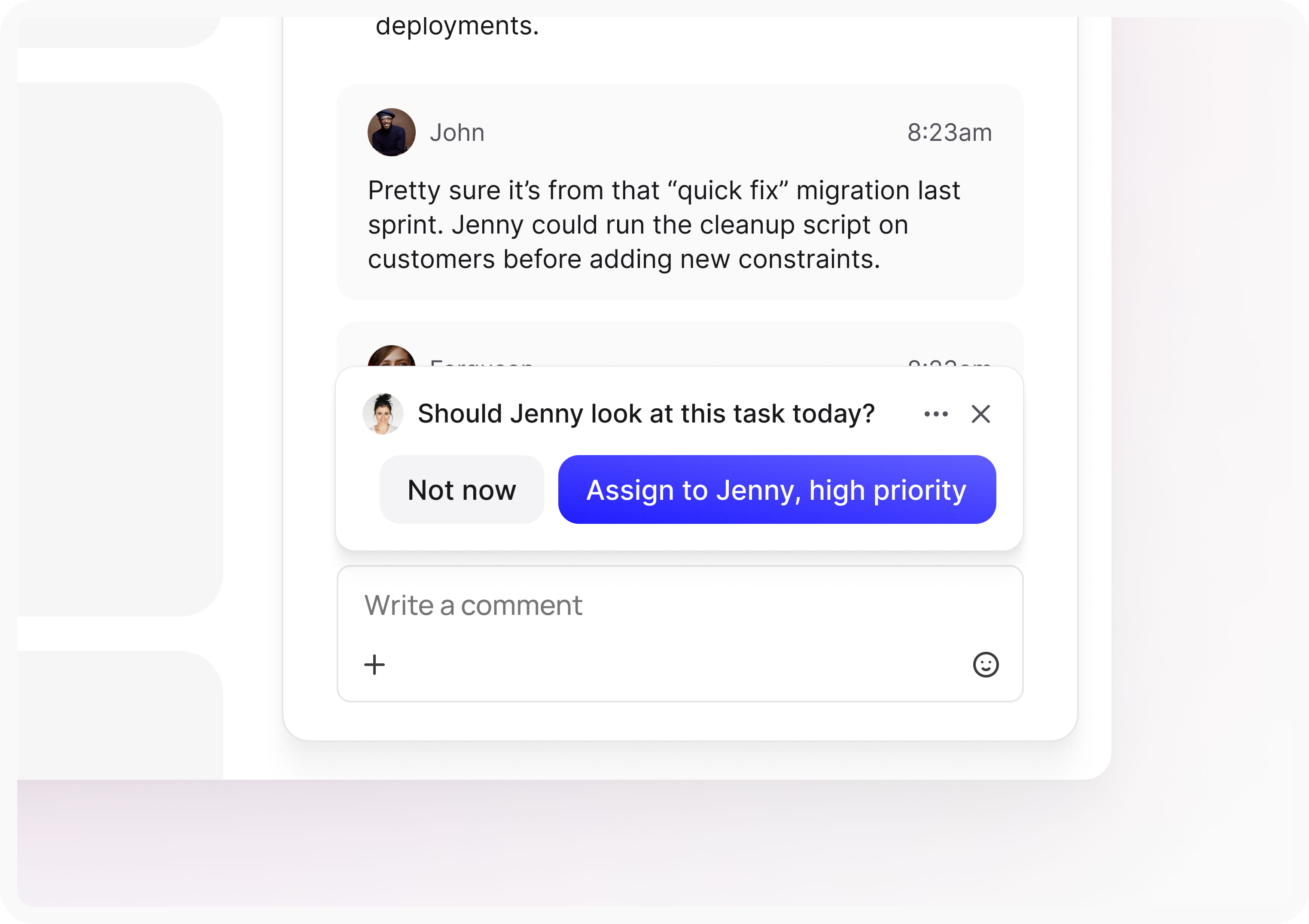
When users switch between tasks after posting an update, they get reminded to update priority, assignee, status, etc. if our AI detects a clue about this in the message.
User can decide to ignore this, or even mute it.
Testing solutions
PROJECT OVERVIEW
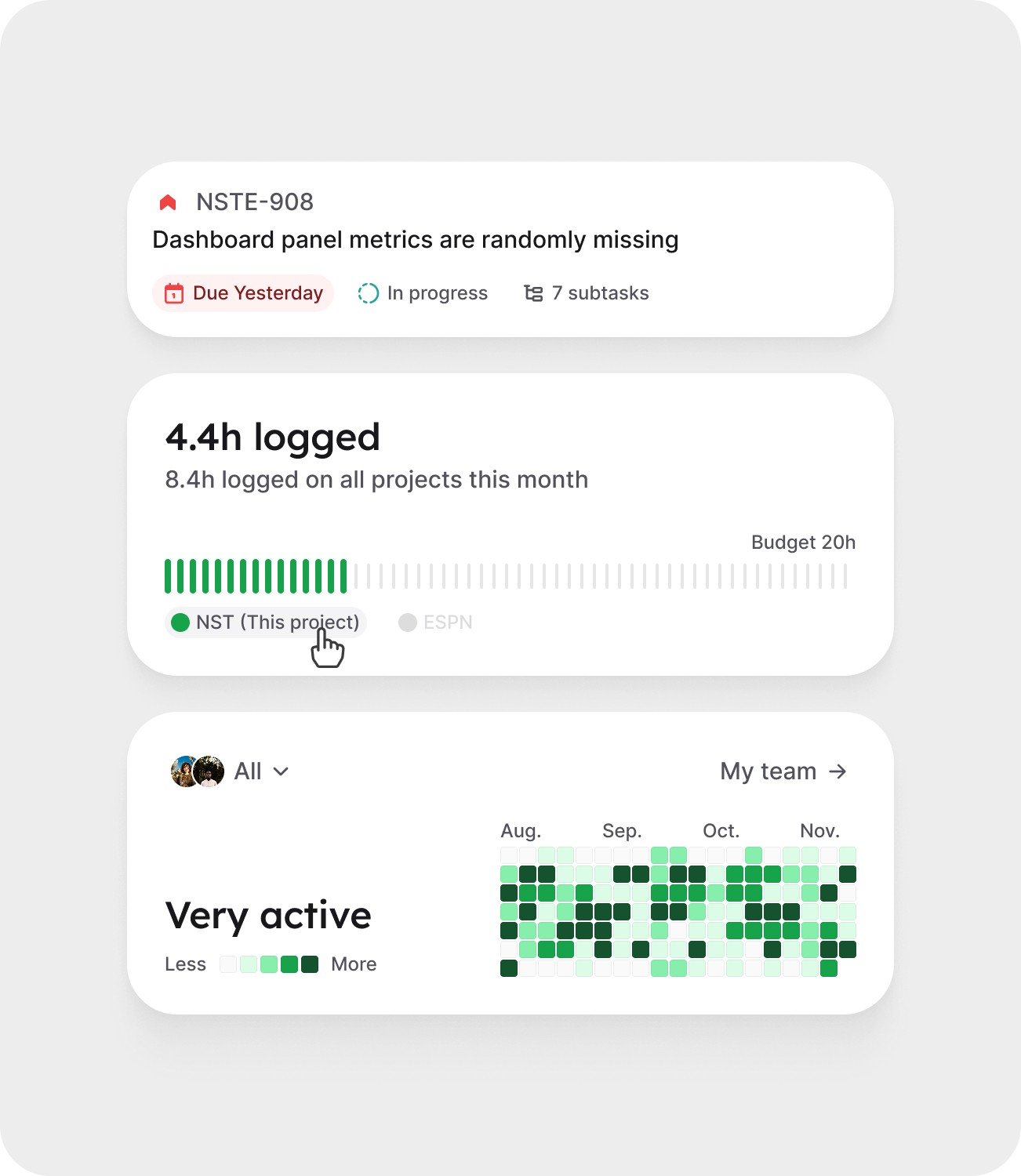
Insight: PMs still met friction checking projects status.
Solution: Project cards for quick overview, color coded.
AI DAILY BRIEF
Insight: AI brief sometimes felt duplicate of notifications
Solution: Agregate themes in text, disable bullet points.
LEGACY INBOX
Insight: Users felt confused by the huge layout update.
Solution: Be clear about the update and offer legacy UI.
What our users say
"This homepage feels more natural"
“This is good, especially when there's a lot of back-and-forth.”
"I really like the nudges"
Thanks for reading, you might like these projects:
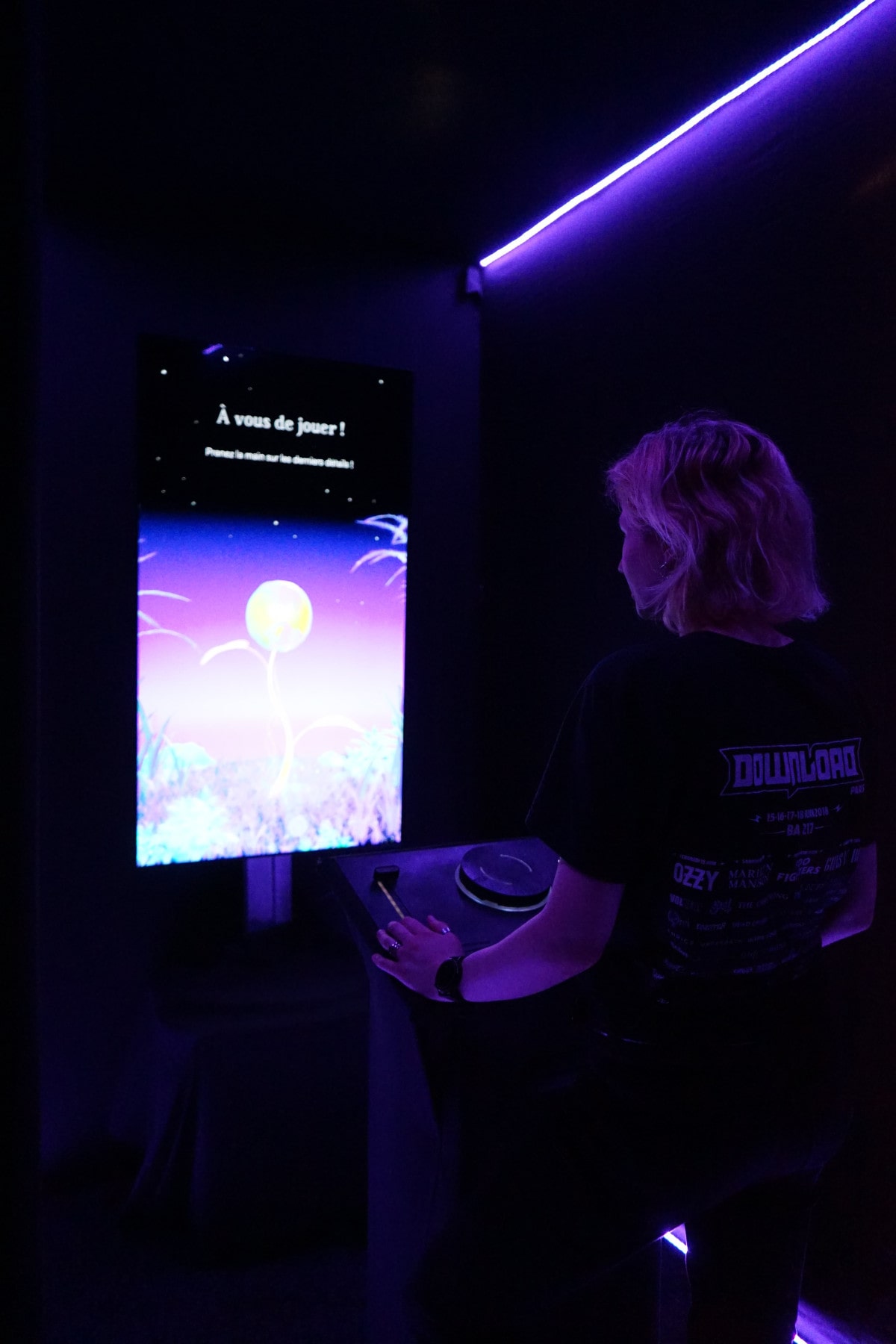
Hanami is an interactive installation that aims to promote cultural places by creating a poetic experience that links museum and parc visitors.
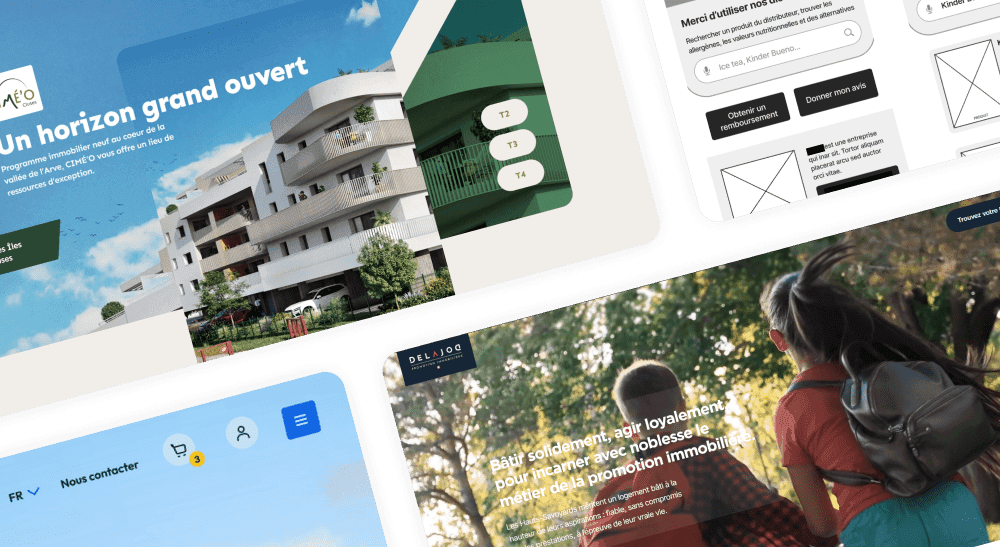
Building website and e-commerce platform in agency since 2021. From strategy to iteration and handoff, I work in a systemic & creativite way to find the right designs to reach business goals.
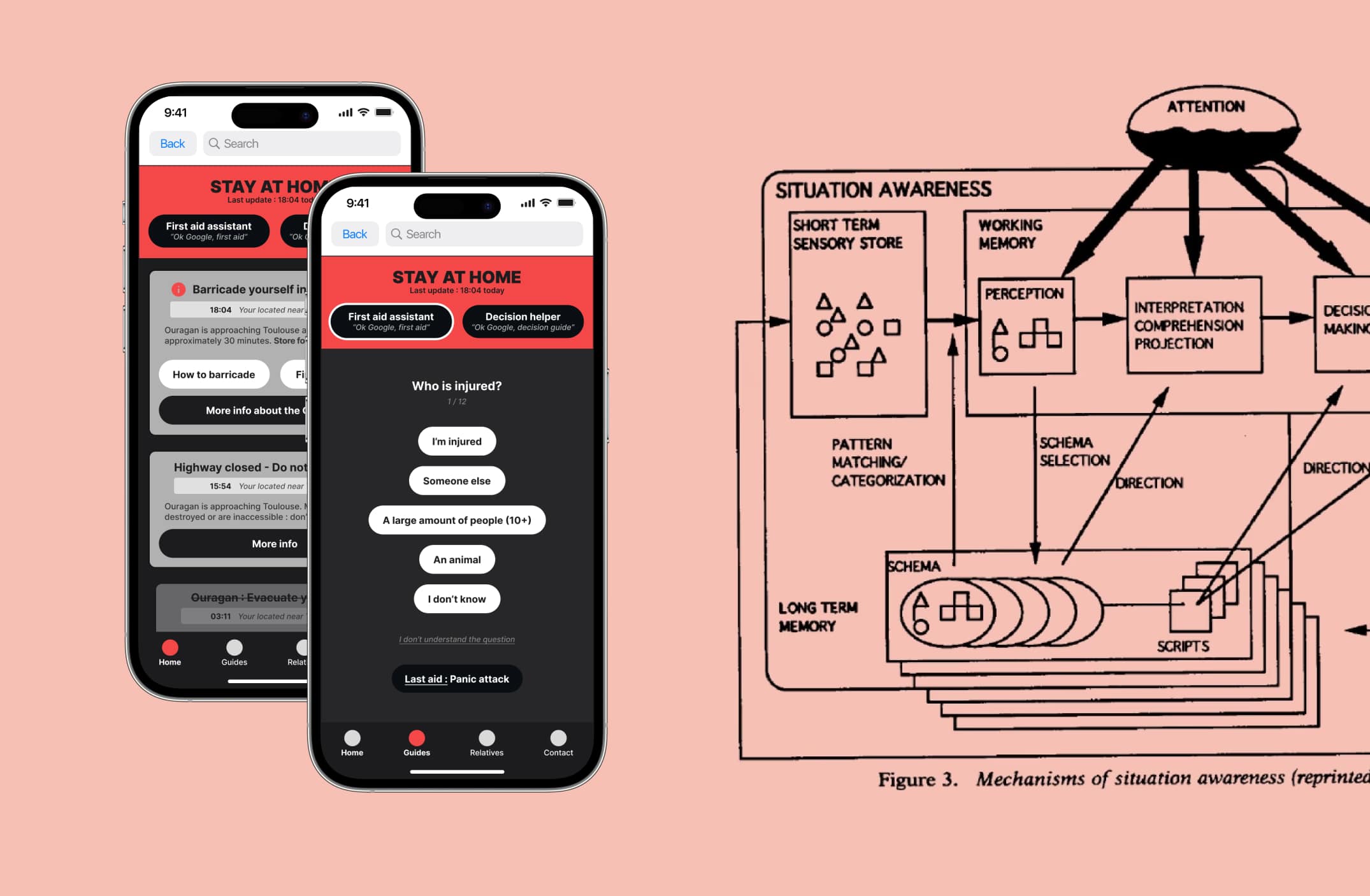
For my graduation thesis, I asked myself "Can UX design help manage natural disasters in France and around the world? If yes, how?"